
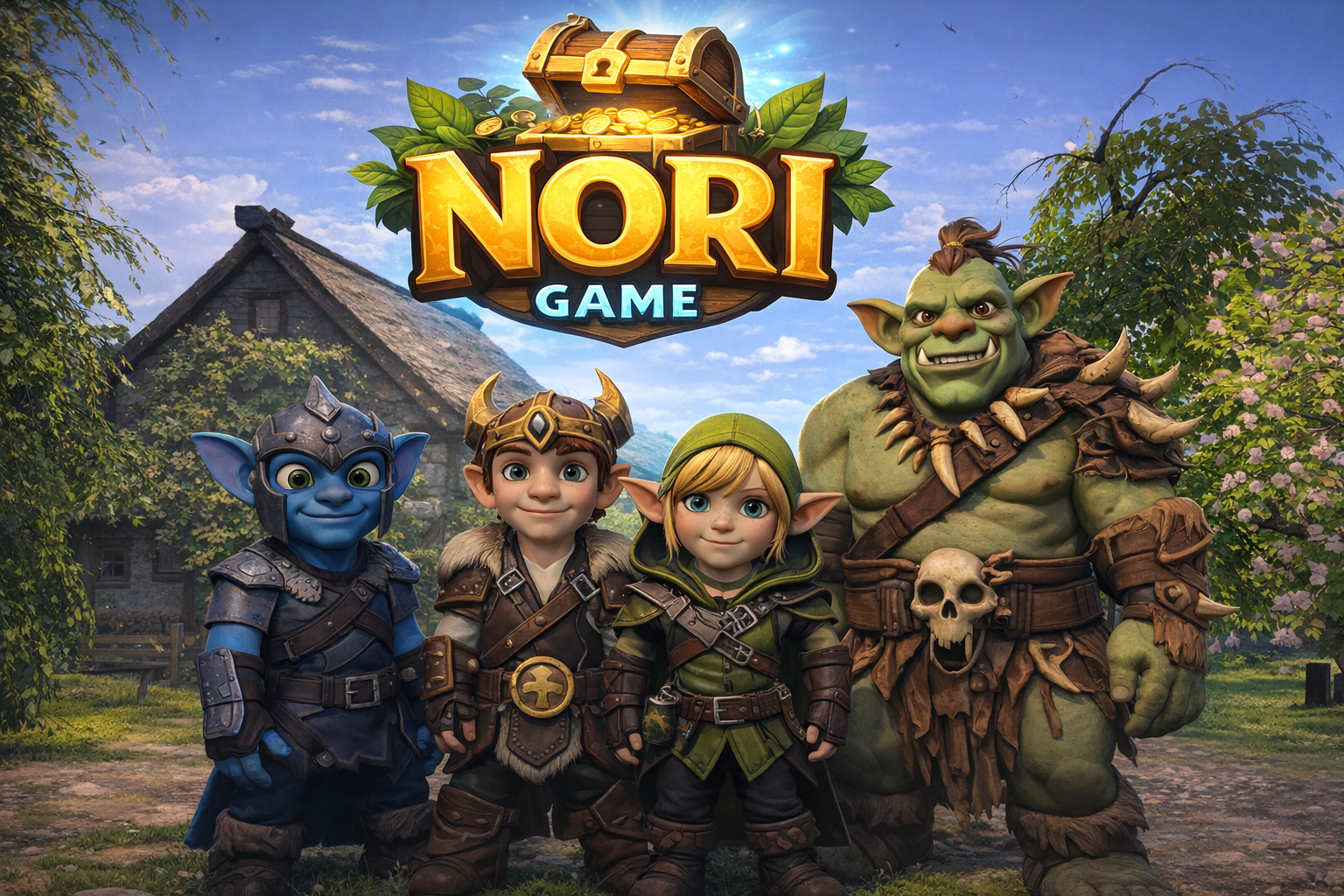
Singleplayer & multiplayer • 4 characters • Fast matches
Steal the chests.
Fortify your home.
Win the race to five.
Nori is a competitive chest-heist race where four heroes sprint, steal, and defend their loot. Start with 2 chests at your house, then snatch 3 more from your rivals and bring them home. First to secure 5 chests wins.
Trailer
See gameplay from the game.
About the Game
In Nori, every player is both a treasure hunter and a home defender. Matches are simple to learn and chaotic to master: grab what’s yours, steal what isn’t, and keep your house safe.
Silver and gold diamonds fuel comebacks. Every 10 silver or 1 gold grants an extra life and a 10% run-speed boost.
Place fences to block shots, cover entrances, or wrap chests anywhere on the map. You can build 30 segments at a time, then a 2-minute cooldown begins. To break a segment, opponents must hit it 100 times.
Everyone starts with 5 lives. Lose them all and you’re sent back to your starting position, giving others a chance to steal your lead—unless you fortified your home.
Play solo or jump into multiplayer via Steam. One player becomes the Host, invites up to 3 friends, and starts the match. Friends join as Clients after accepting the Steam invite.
Steam-Style Feature List
Be the first to store 5 chests in your house.
Each character spawns at their own home with 2 starting chests.
Take 3 more chests from rivals and deliver them safely.
Place fences to protect loot and deny lines of sight.
Collect silver and gold diamonds for lives and speed boosts.
Run routes, ambush carriers, and guard your shortcuts.
Host a lobby and invite up to 3 friends via Steam.
Play solo and practice routes, defense, and chest runs.
- Pick a character (Nori, Elfy, Gobly, Orcy) and spawn at your house with 2 chests.
- Raid opponents to steal 3 more chests—carry them back to your house to score.
- Collect diamonds to gain extra lives and sprint speed.
- Build fences to lock down your stash or trap your enemies.
- First to secure 5 chests wins the match.
Multiplayer — How to Play
Steam-based multiplayer | 1 Host + up to 3 Clients
- Launch Nori from your Steam Library.
- Select Multiplayer in the main menu.
- The multiplayer overlay opens.
- Select Host
- Enter your player name
- Choose one of the 4 characters: Nori, Elfy, Gobly, or Orcy
- Press Invite.
- A Steam Lobby is created immediately.
- The Steam friends window opens.
- Select a friend to invite.
- After inviting one friend, you return to the overlay.
- Press Invite again to invite another friend (up to 3 total).
- You can invite 1–3 friends before starting the game.
- When ready, press Play.
- The Host enters the game.
- Invited friends can join once they accept.
- • All players must have a Steam account.
- • All players must be online.
- • All players must own the game on Steam.
- • One player must act as the Host.
- Accept the Steam invite from your friend.
- The game will open (or bring you to) the multiplayer overlay automatically.
- Make sure Client is selected (it is selected by default).
- Enter your player name.
- Select your character.
- Press Play to connect to the Host.
If no invite data is detected, pressing Play will automatically search for the active Host lobby and connect.
Up to 4 players total (1 Host + up to 3 Clients).
- • Everyone must be online on Steam.
- • Everyone must own Nori on Steam.
- • The game must be launched through Steam.
If the Steam invite window does not appear:
- Make sure the Steam Overlay is enabled in Steam settings.
- Make sure you launched the game directly from your Steam Library.
- Press Shift + Tab to manually open the Steam overlay.
Meet the Characters
Four rivals. Four playstyles. One obsession: chests.
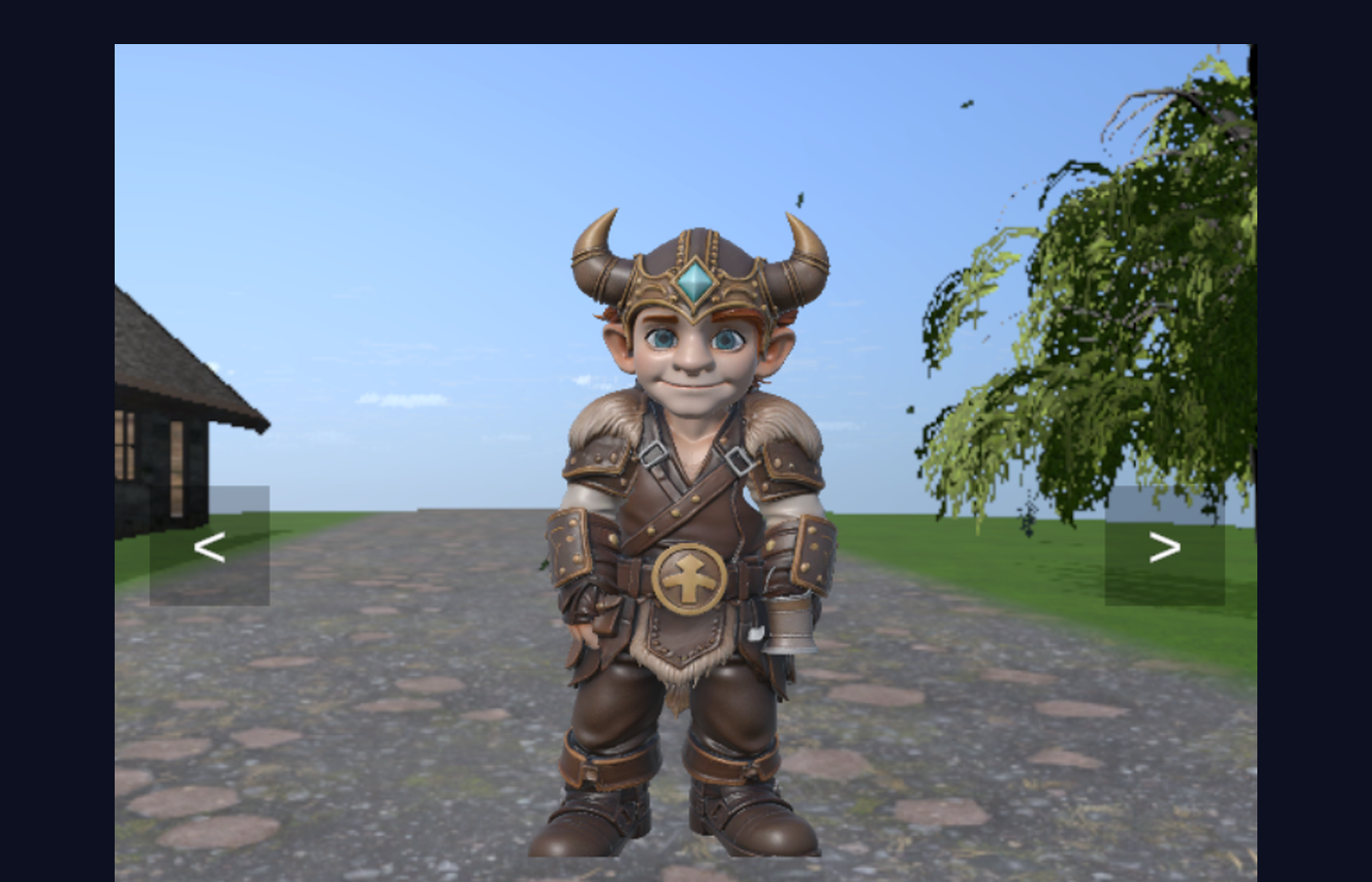
A fearless front-runner who thrives on speed boosts and daring chest snatches.
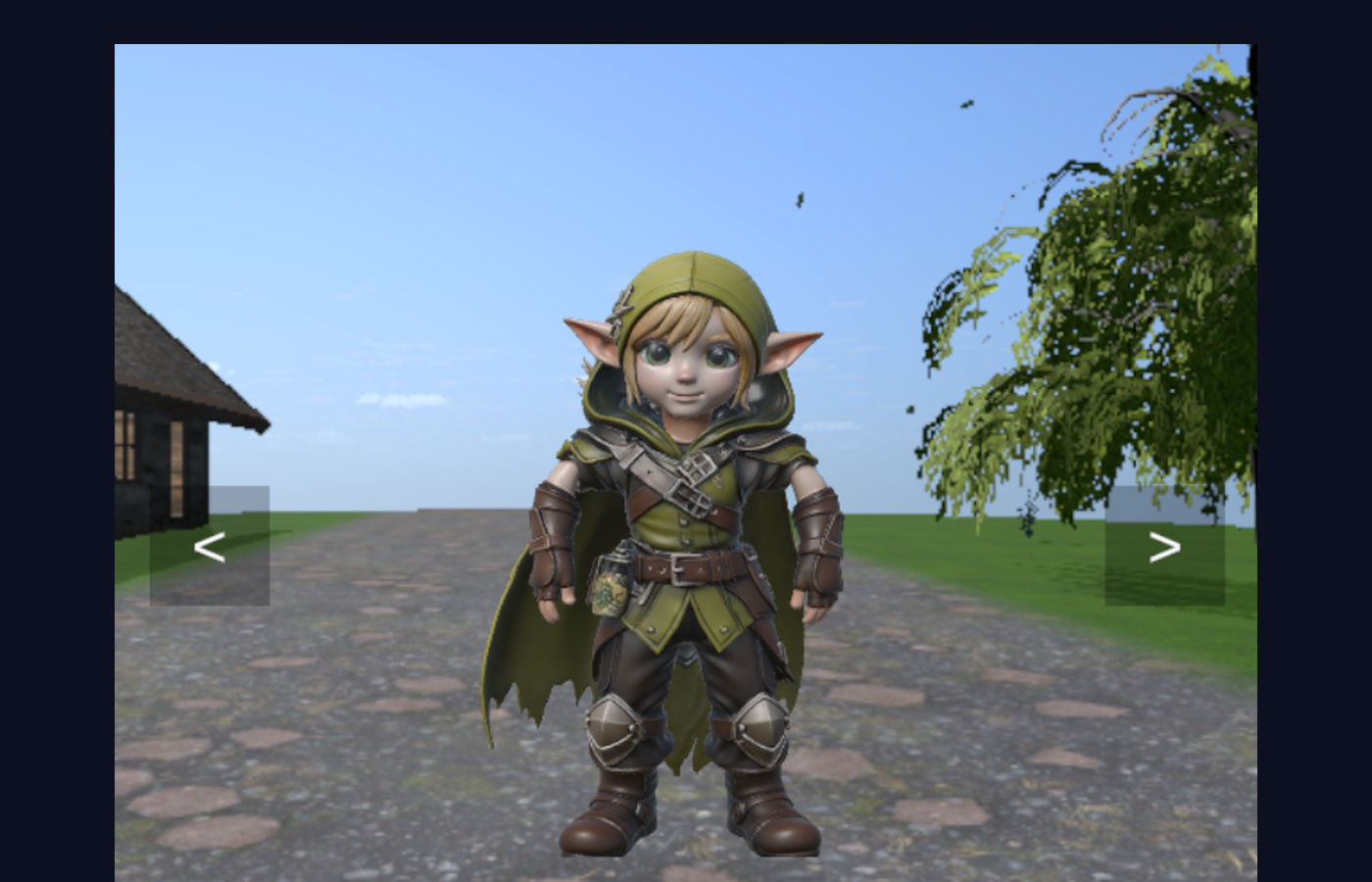
A clever defender who controls space with fences and punishes careless carriers.
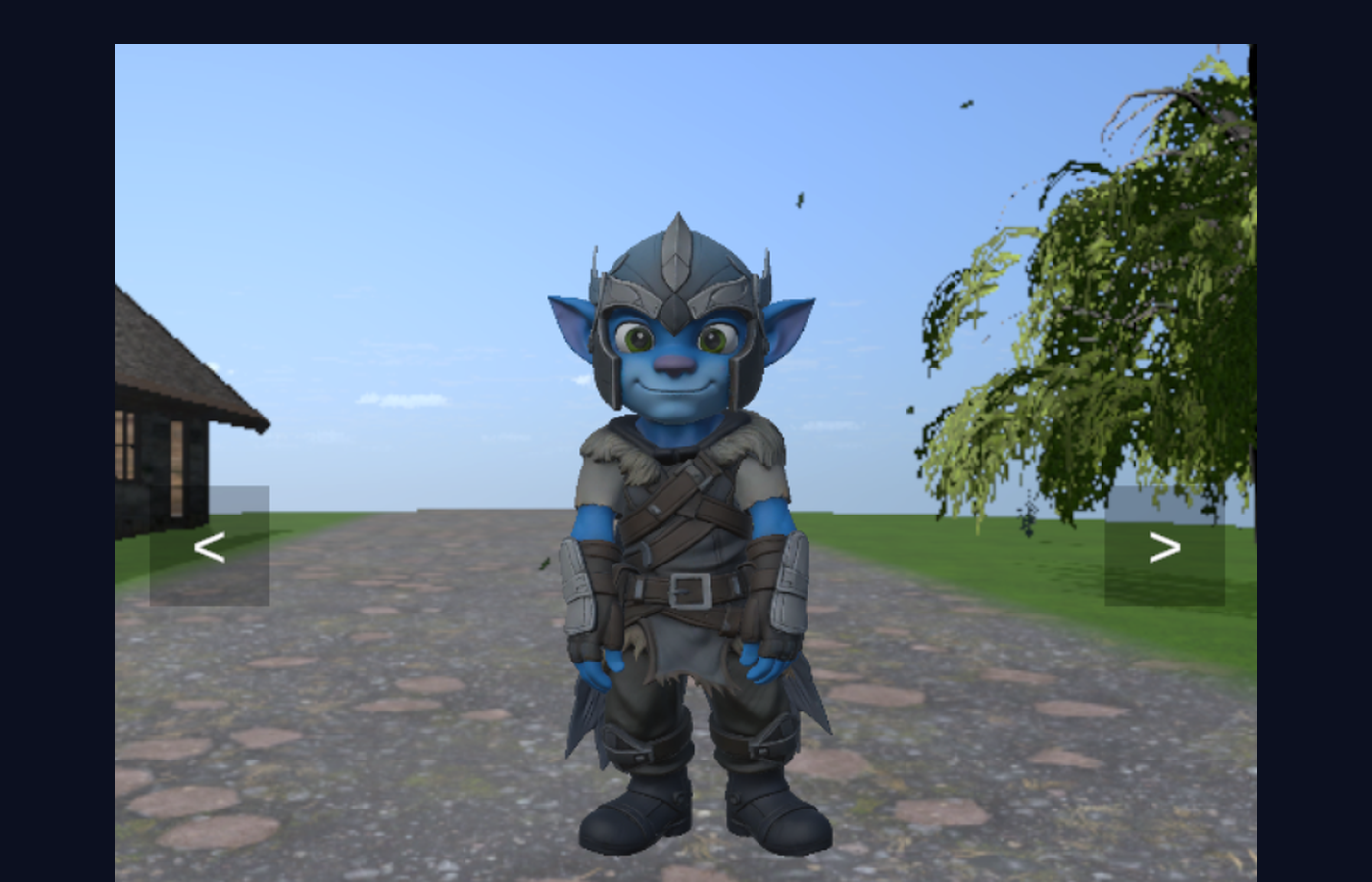
A nimble thief who loves ambushes, quick grabs, and chaotic escapes.
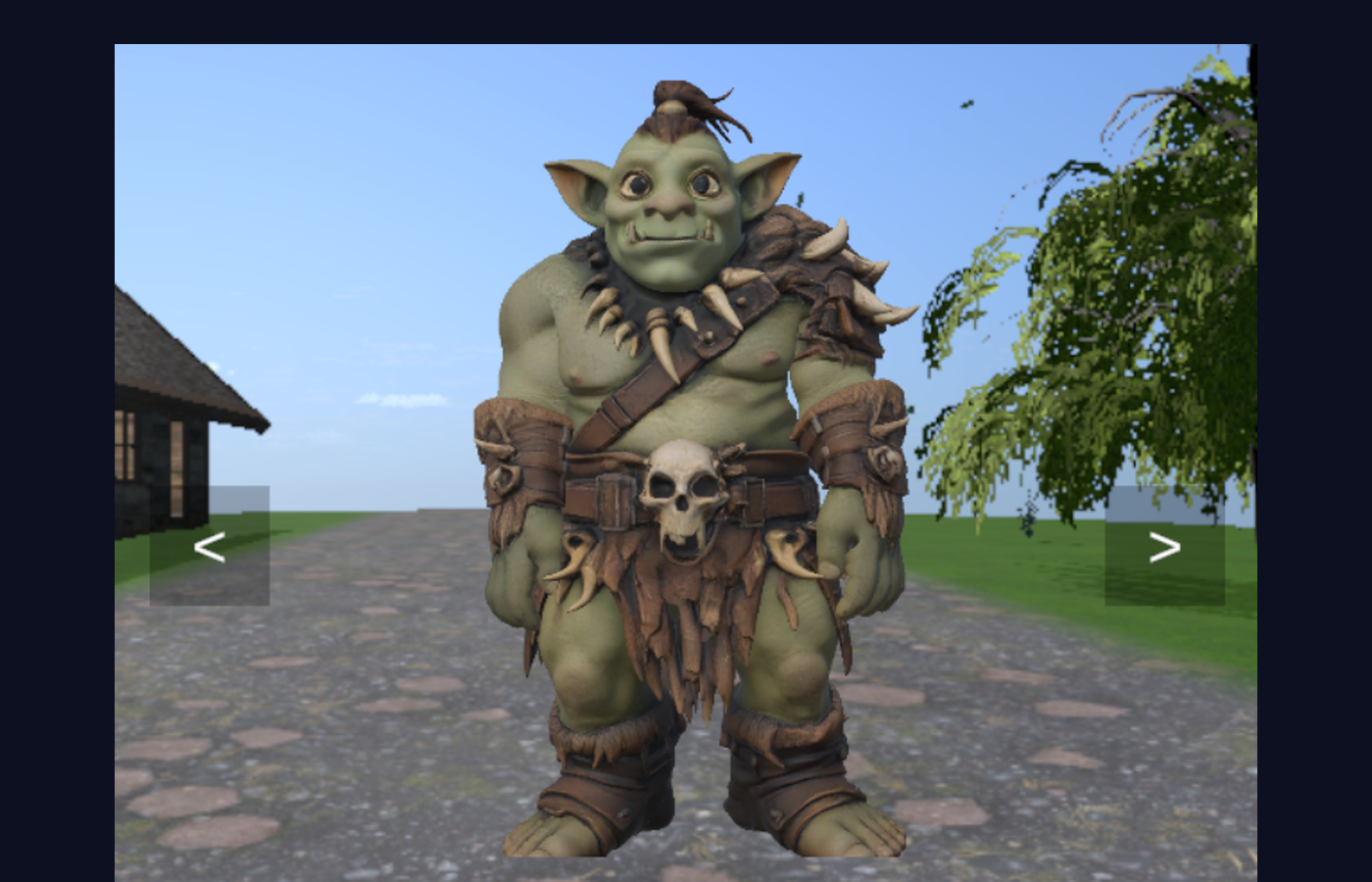
A towering threat who can guard chests and bully opponents off objectives.
Player Controls
Key bindings and actions in Nori.
Screenshots
In-game moments from Nori’s world.
Wishlist Nori on Steam
Nori will be downloadable on Steam. Add it to your wishlist to get notified when it launches.
Nori is a chest-heist race for singleplayer or 1–4 multiplayer. Start with two chests at your home, steal three more from rivals, and secure all five to win. Collect diamonds for extra lives and speed, and build fences to protect your stash.
Contact
Want to collaborate, report a bug, or ask about Steam keys? Send a message.
- • Business inquiries
- • Press & creators
- • Feedback & bug reports